Multi-Car Workflow
To animate multiple vehicles with Launch Control, the Multi-Car Workflow can be used.
Getting Started with Multi-Car
When using the Multi-Car workflow everything that happens inside Launch Control depends on the “Active Vehicle”, which can be set using the Select Vehicle. Anything clicked or changed in the Add-on UI will affect the “Active Vehicle”.
To get started, rig your vehicles one by one using the normal rigging workflow or try out the experimental multi-rigging feature.
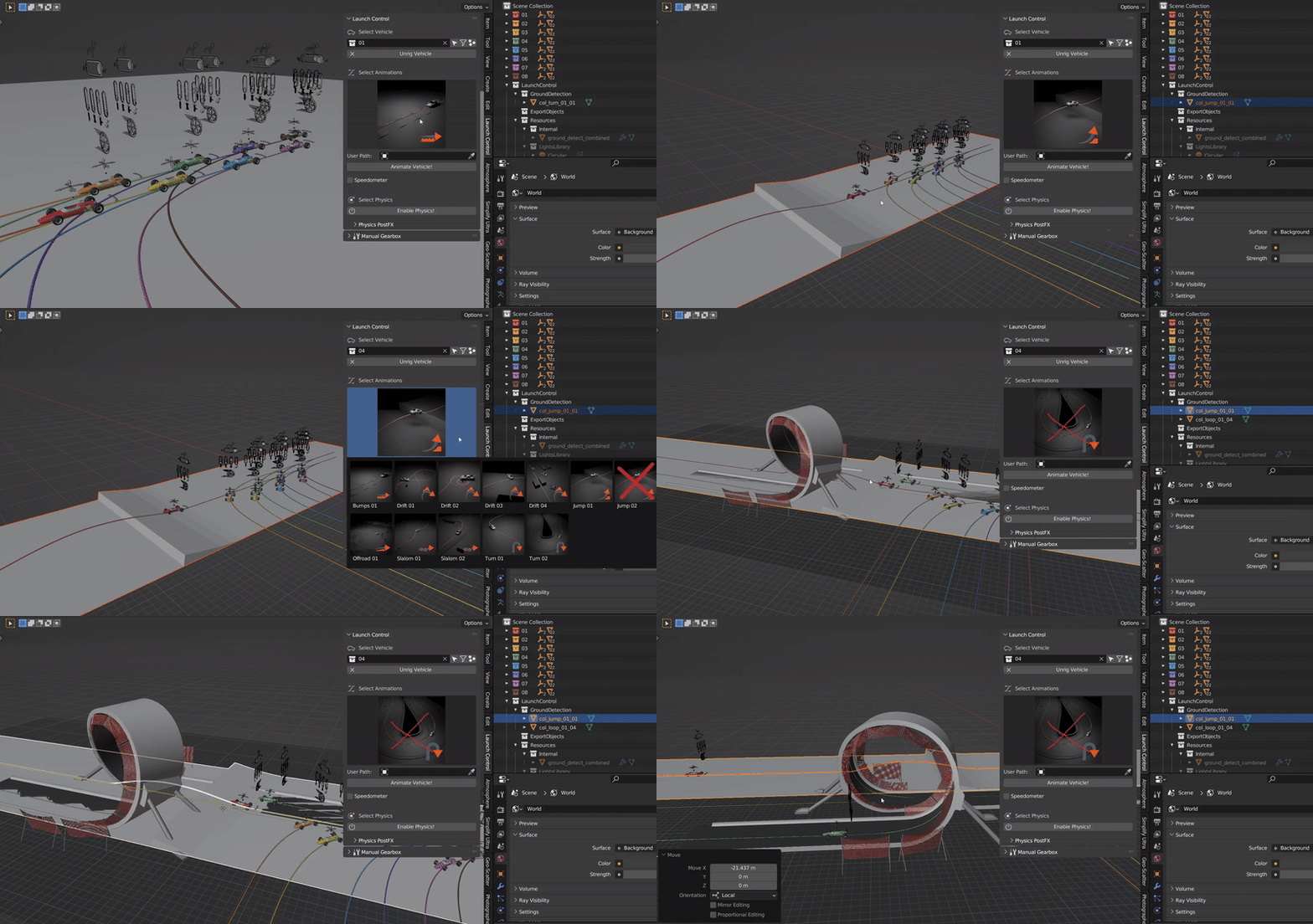
Example of working with the Multi-Car Workflow
Ground Detection for Multi-Car
Ground Detection works the same way for Multi-Car as for a Single-Car workflow, with the difference that the ground is now shared between all the vehicles in the scene and not just affecting one vehicle. The Colliders generated by the Animation Presets are removed from the scene if the vehicle which generated it is removed, but user added colliders are kept no matter what.
Multi-Edit
To adjust multiple vehicles at ones, enable the “Multi-Edit” mode. In this mode all cars are affected by the buttons clicked and the values changed in the Add-on UI.
Note
Some buttons and sliders are not compatible with the Multi-Edit mode.
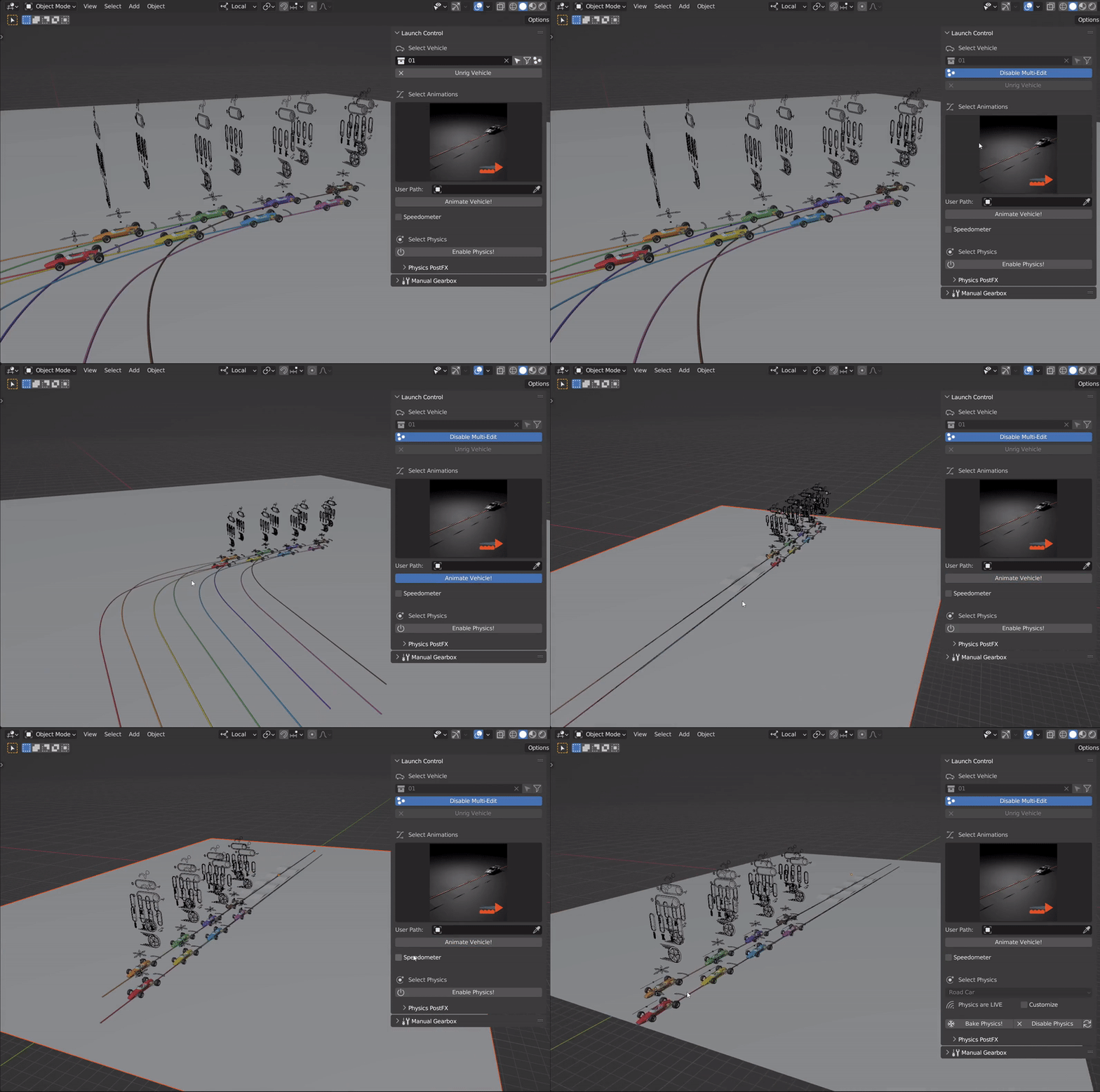
Example of using Multi-Edit to adjust multiple vehicles at once
Note
It is also possible to select multiple armatures/rigs and go into “Pose-Mode” on all of them at the same time, allowing you to animate multiple cars at once.
Set Selected
To quickly set the “Active Vehicle”, use the “Set Selected” button. It will change it to whatever vehicle is selected in the 3D View if the selected object in the 3D View is either part of a vehicle or a LC vehicle rig.
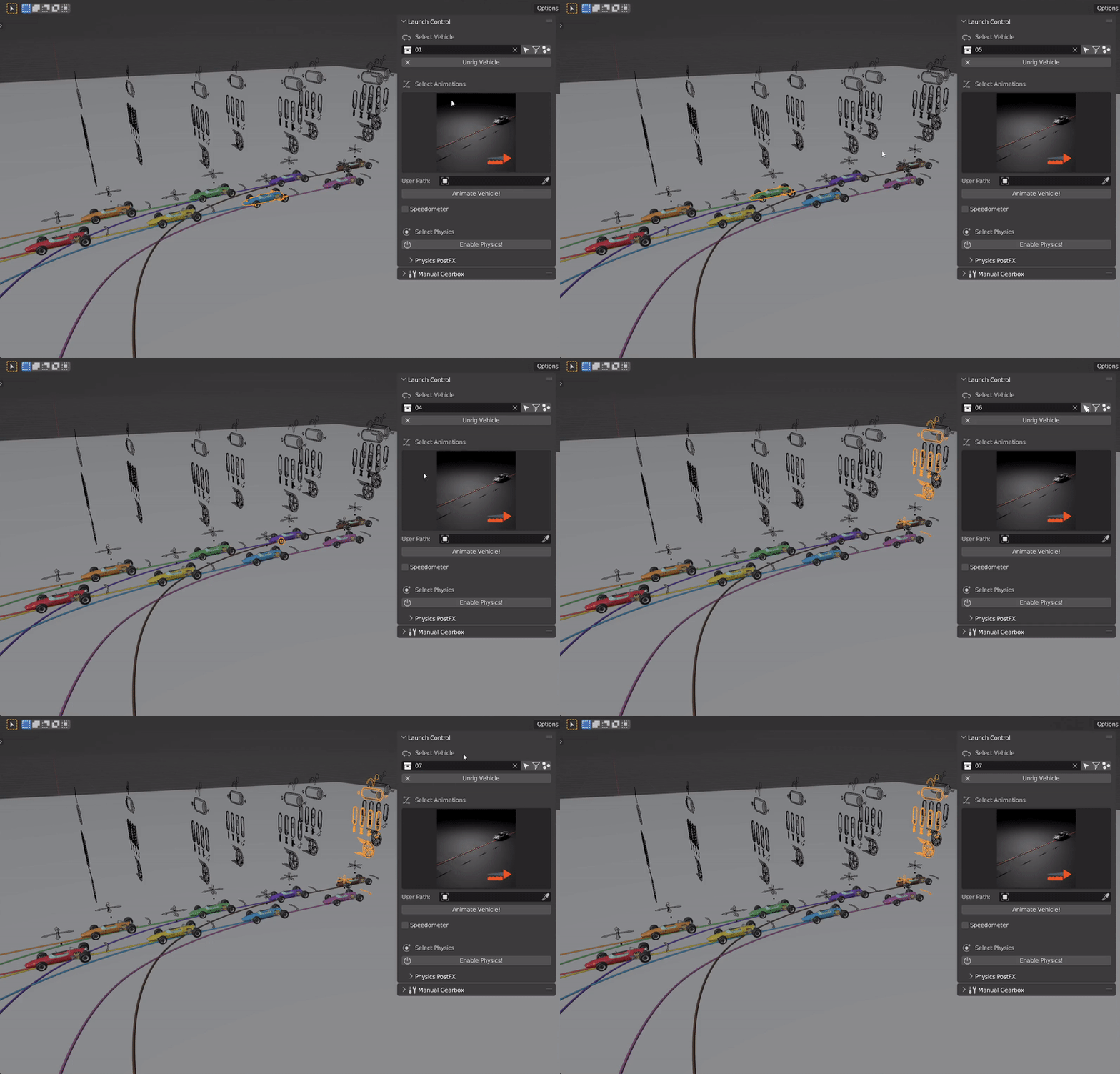
Using “Select Active” button to change the “Active Car” to the vehicle which is selected in the 3D View
Export with Multi-Car
Export to Datasmith works the same way for Multi-Car as for Single-Car. The file exported is a scene file and holds all vehicles in 1 file.
For FBX exports, the vehicles are split into separate files. Ground Colliders can be exported with each file or only once in the fbx-file of the active vehicle.